
Dynamics 365 Updates: What Microsoft's Release Notes Don't Tell You
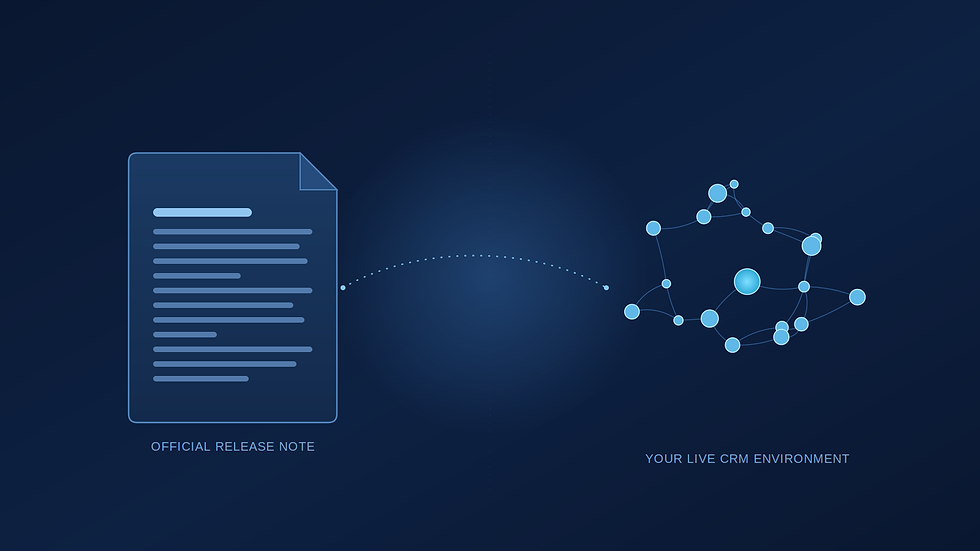
A Dynamics 365 administrator once read a release note describing a "minor interface update" to case forms, filed it away as nothing to worry about, and moved on. Two weeks after the update rolled out, the Customer Service team was closing tickets slower, and nobody could say exactly why. It took a screen-share with an agent to spot it: the field they used for triage had moved below the fold. The release note wasn't wrong. It just wasn't written with that team's workflow in mind, and nothing in it would have flagged the problem in advance.
That gap, between what Microsoft publishes and what actually happens inside a working Dynamics 365 environment, is why this site exists.
On D365Apps.Support, every article will go beyond the announcement itself. We'll cover what changed, but the real focus is business impact, operational considerations, a watch list of what to check before it becomes a problem, and practical next steps: the parts a release note was never designed to include.
Why Microsoft's Updates Alone Are Rarely Enough
Microsoft's documentation is accurate and thorough, written for a global audience running Dynamics 365 in thousands of different configurations. It tells you what changed. It has no way of telling you what that change does to a Field Service team running custom scheduling rules, or a Sales team whose entire pipeline view is built around a field that's being deprecated. That's the kind of gap that showed up in the triage field example above, and it shows up again in a different form with nearly every update we've worked through with clients.
Why the Real-World Impact Is So Hard to Judge in Advance
The same update can be background noise for one organization and a genuine problem for another, with no obvious way to tell which one you are beforehand. Take Microsoft retiring an older API version. For an organization on out-of-the-box Dynamics 365, that's a non-event. For an organization with a five-year-old ERP integration built by a contractor who's long gone, with no documentation of which endpoints it calls, the same retirement is a countdown clock. We've seen exactly that scenario play out. An integration that had run quietly for years broke the week the old API was switched off, and the team only discovered it when orders stopped syncing.
"Check the release notes" is necessary advice, but incomplete. Judging real risk means knowing what's actually running underneath the platform: which integrations exist, which customizations are load-bearing, and if nobody currently holds that knowledge, that's worth finding out before an update forces the question.
Why Support, Governance, and Adoption Matter More Than the Update Itself
Most of the problems we get called about don't start with a bug. They start with a gap between how the system is configured and how the business actually operates now, a setup that made sense at some earlier point and was never revisited as the team, the process, or the priorities moved on. Individually these aren't emergencies. Collectively, they're why CRM environments feel harder to trust over time, not because the technology degraded, but because the operational discipline around it didn't keep pace with an update schedule that never stops.
A Quick Watch List
It's the question we come back to before every significant Dynamics 365 update, regardless of how routine it looks on paper:
Which integrations could be affected?
What customizations depend on the existing behavior?
Are any security roles likely to need a review?
Will users need training or a heads-up communication?
Are there licensing implications?
Five questions, asked consistently, catch most of what a release note never mentions. That's the habit this site is built around.

What You Can Expect From This Site
Going forward, that's the lens for everything published here: Microsoft updates explained in terms that matter to your specific setup, support advisory content on the governance and integration issues that quietly cause the most damage, and optimization guidance for getting more out of the Dynamics 365 investment you've already made. Whether you're an IT Director weighing risk, a CRM administrator who'll be the one fielding the tickets, or a business user who just wants the system to keep working the way it did yesterday, this is written with your version of the problem in mind, not a generic one. Not a news feed, and not a rewrite of documentation you could read yourself.
If something in your Dynamics 365 environment has recently behaved differently than expected, an update that changed a workflow, an integration that went quiet, a report that stopped adding up, that's usually worth a closer look before it repeats. Our team reviews exactly these situations for organizations every week: what changed, what it touches, and what to do about it. If that's useful for your environment, reach out and we'll walk through it together.
Our team reviews exactly these situations for organizations every week: what changed, what it touches, and what to do about it. If that's useful for your environment, reach out and we'll walk through it together.


